Get help and send feedback
Password, two-step sign-in, notifications, language and appearance.
Get help and send feedback
Who to contact about your church's information, and how to tell us about a bug or idea.
Questions about your church's directory
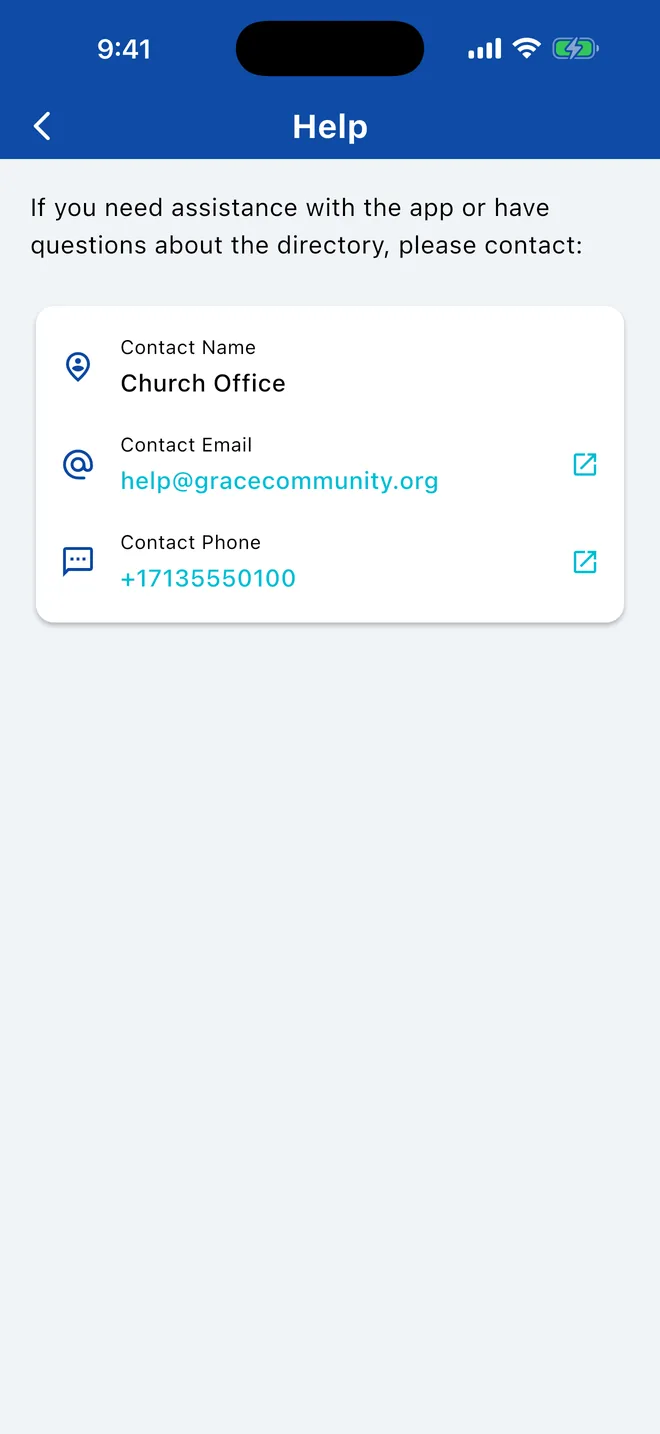
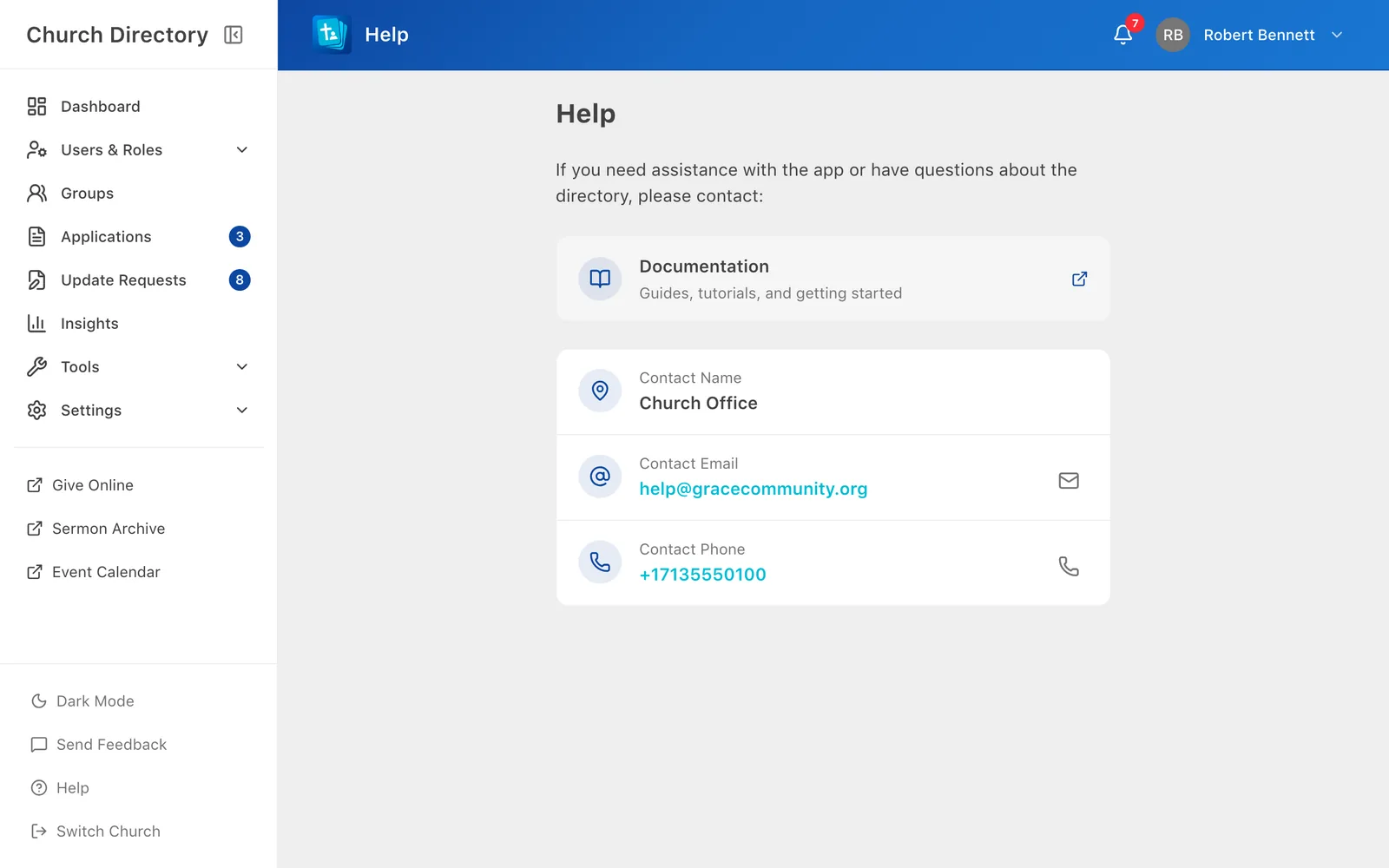
Your church manages its own directory: who's in it, what you can see, and your account. For anything about that, contact your church. Open Help in the side menusidebar to see the name, email and phone number your church set up for questions.
To fix your own details, request a profile update instead.
Problems with the app, or ideas
Choose Send Feedback, pick Bug Report, Feature Request or Other, describe it, and optionally leave contact details so we can follow up.
You can also email directory@verionlabs.com.
Related Articles
Was this article helpful?
Thank you for your feedback!