View the app as someone else
For church staff: add, edit, import and export people, and review requests.
View the app as someone else
Check exactly what a member sees before you change roles or answer a "why can't I see…" question.
1 min read
Updated Nov 17, 2026
Mobile app only. This is available in the iPhone and Android app, not on the web.
Administrators can preview the app as any person in the directory. It's the quickest way to check a role's permissions or answer a member who can't find something.
- Open the menu › Tools › View as User, and pick someone. Or open their details and tap ⋮ › View as This User.
- The app reloads as that person sees it. A User Preview · Read-only banner stays at the top.
- Tap Return to Admin when you're done.
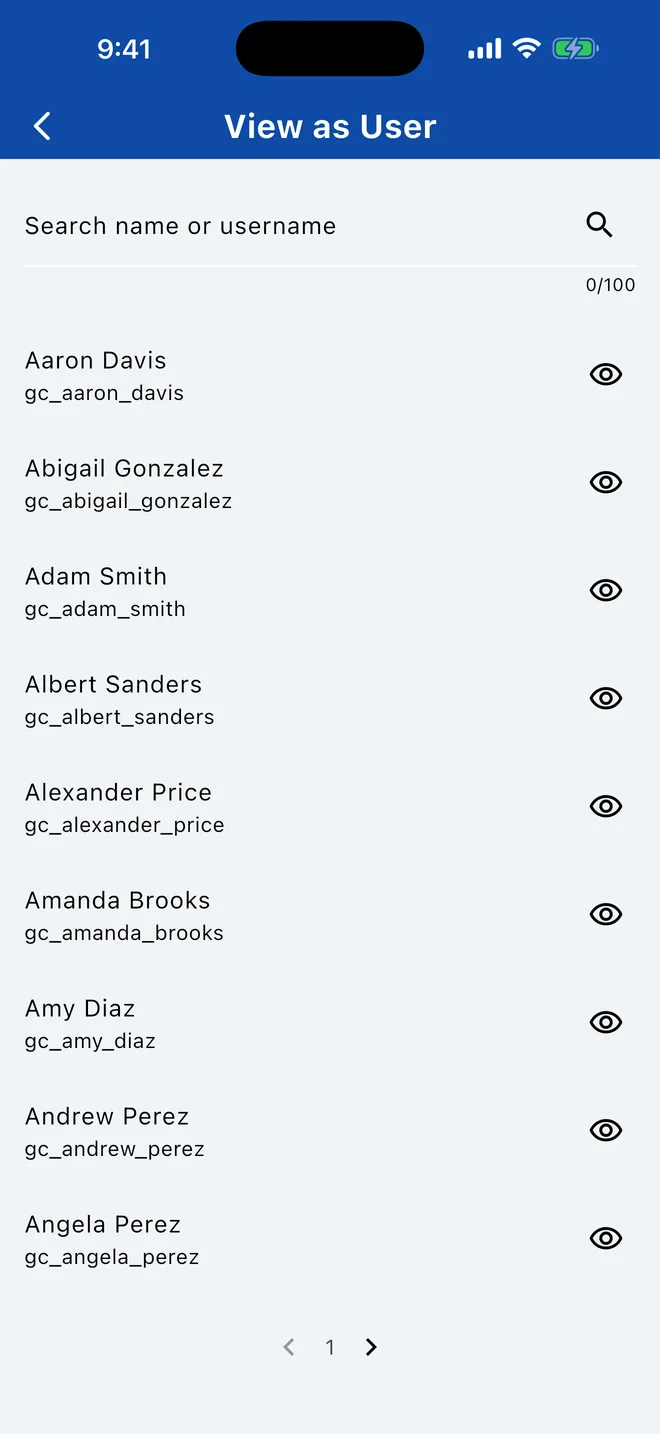
The preview is read-only: you can't change anything or contact anyone as them. It needs an internet connection.
Related Articles
Was this article helpful?
Thank you for your feedback!