Families and the family tree
Find people and families in your church directory and get in touch.
Families and the family tree
See a whole household together, update the family photo, and explore relatives on the family tree.
Open a family
Switch the directory to Families and pick one, or open a person and choose View Family. The family page shows the parents and children, with the family photo at the top.
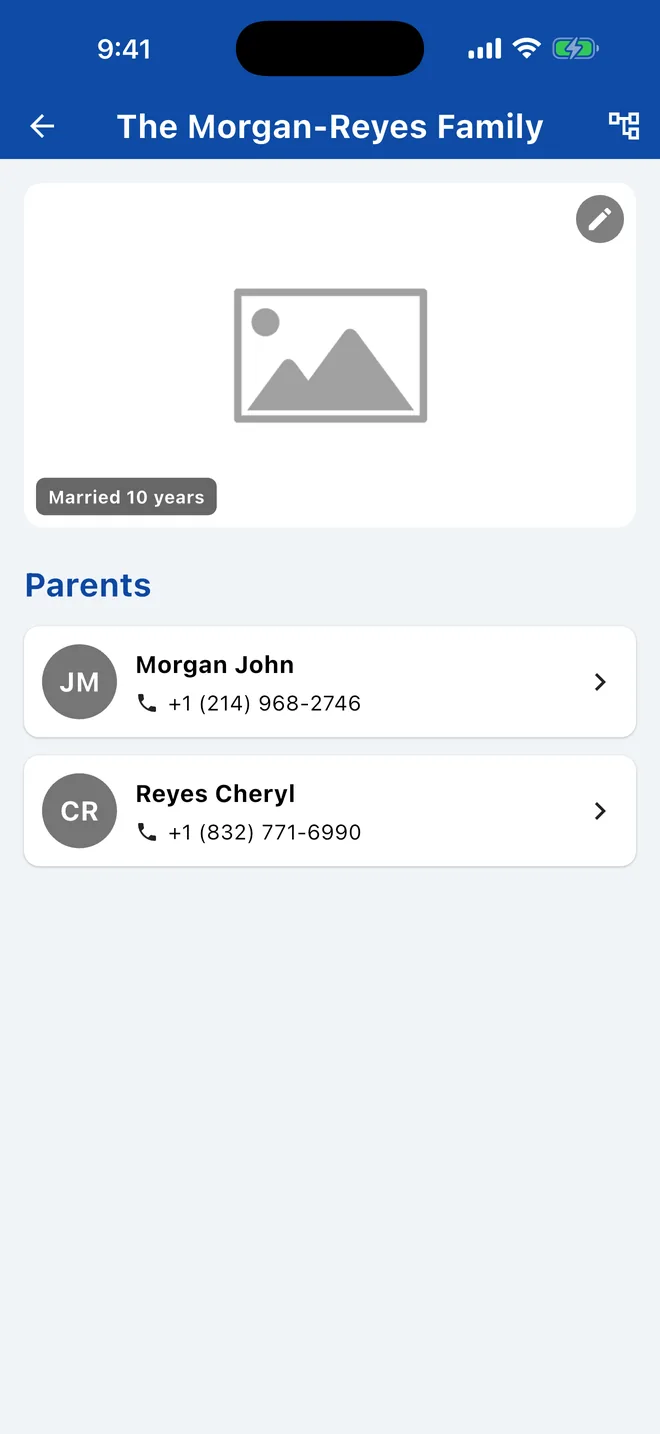
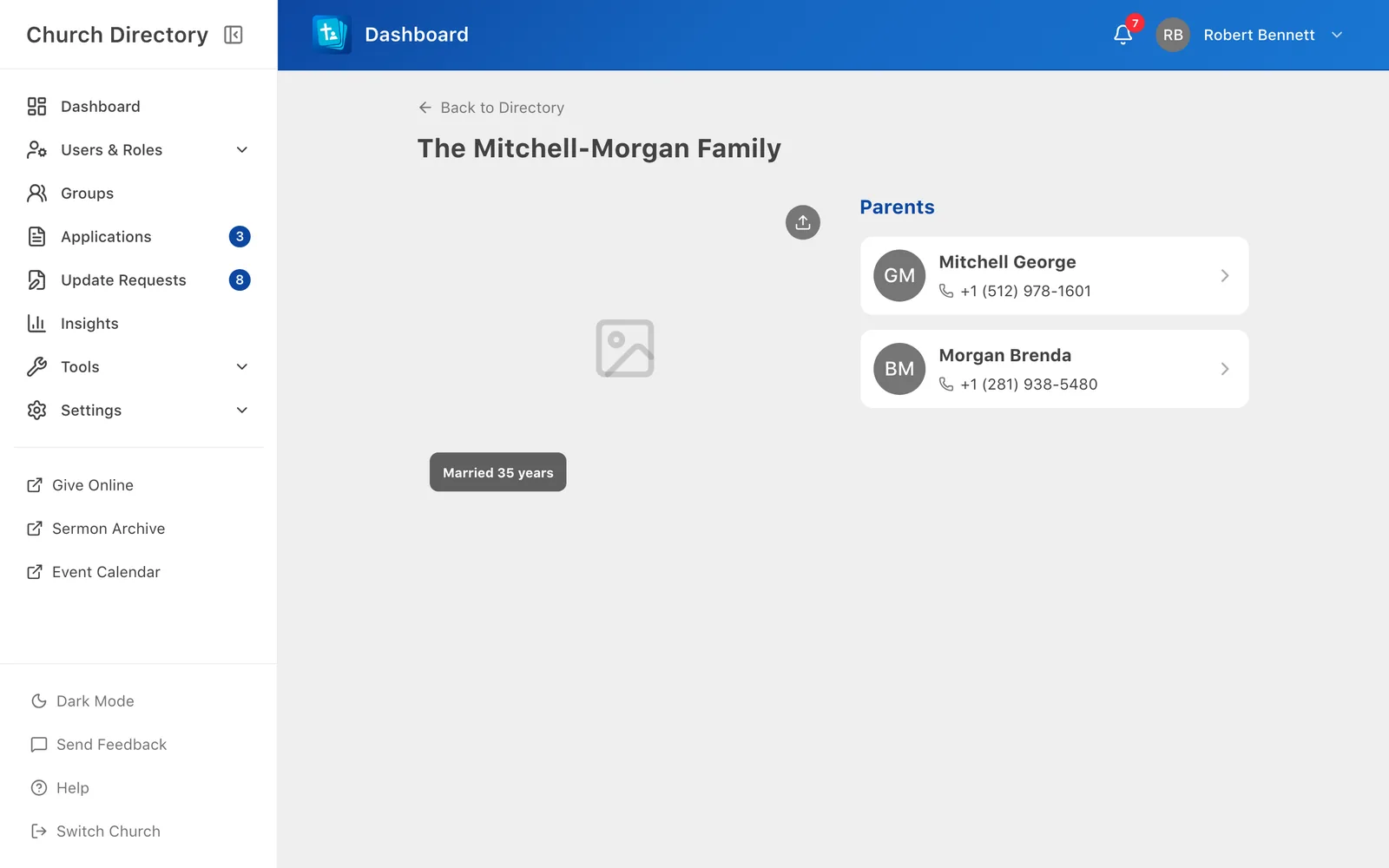
Family photo
Staff can add, change or remove the family photo on the family page. Members can usually suggest a new photo for their own family; it's sent to staff for approval.
Family tree
On a family page, tap the tree icon at the top to see how people in your church are related.
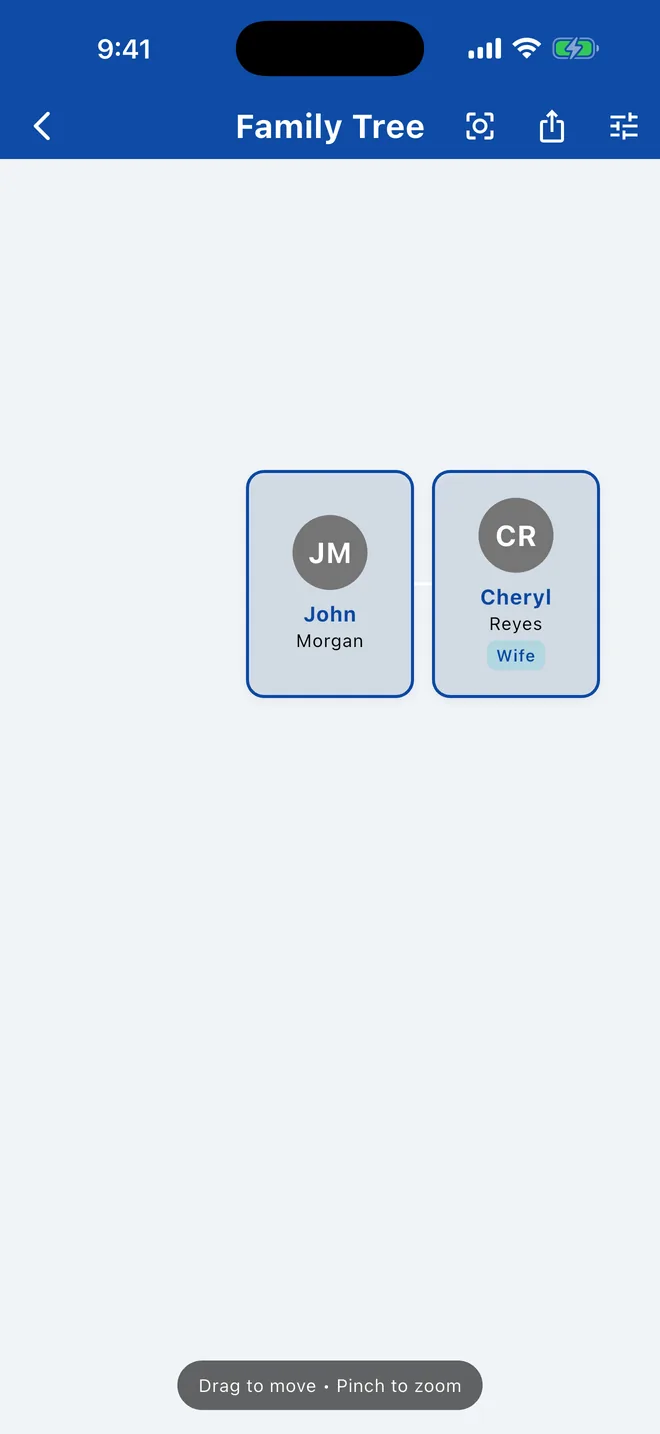
- Drag to move around, pinch to zoom, tap a person to open them.
- Use the options to show more or fewer generations, siblings, spouses, aunts, uncles and cousins, and relationship labels.
- Export as image saves the tree as a picture you can print or share.
The tree is built from the spouse and children recorded on each person, so it's only as complete as those records.
The family tree is available in the mobile app.
Related Articles
Browse and search the directory
Find anyone in your church by name, browse by letter, and switch between members, families and everyone.
DirectoryEdit or remove people
Update someone's details, notes, groups or role, or remove them from the directory.
Managing PeopleView someone's details
Open a person to see their contact information, family, groups and important dates.
DirectoryWas this article helpful?
Thank you for your feedback!