Subscription and billing
For church administrators: dashboard, insights, roles, settings and billing.
Subscription and billing
Check your plan and people limit, renew, upgrade, and what happens when a subscription ends.
See your plan
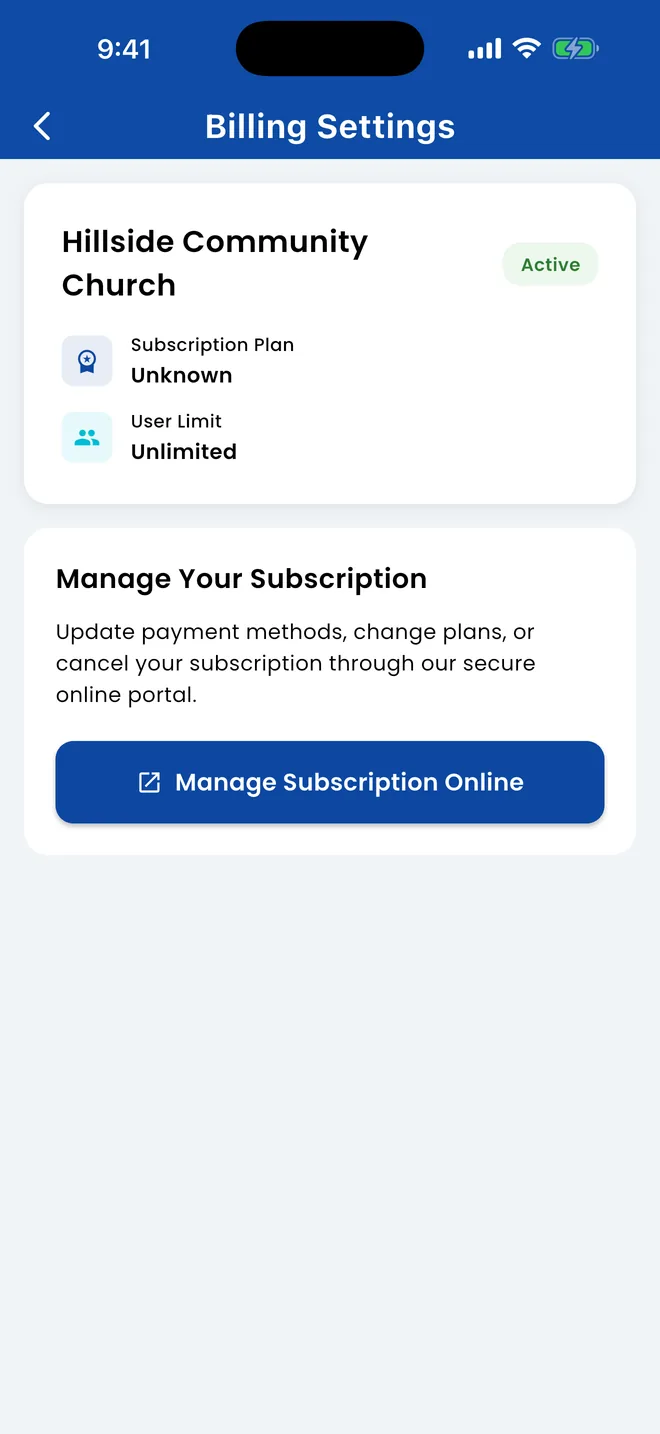
Open the menu › Settings › Billing Settings.
In the sidebar, open Settings › Billing Settings.
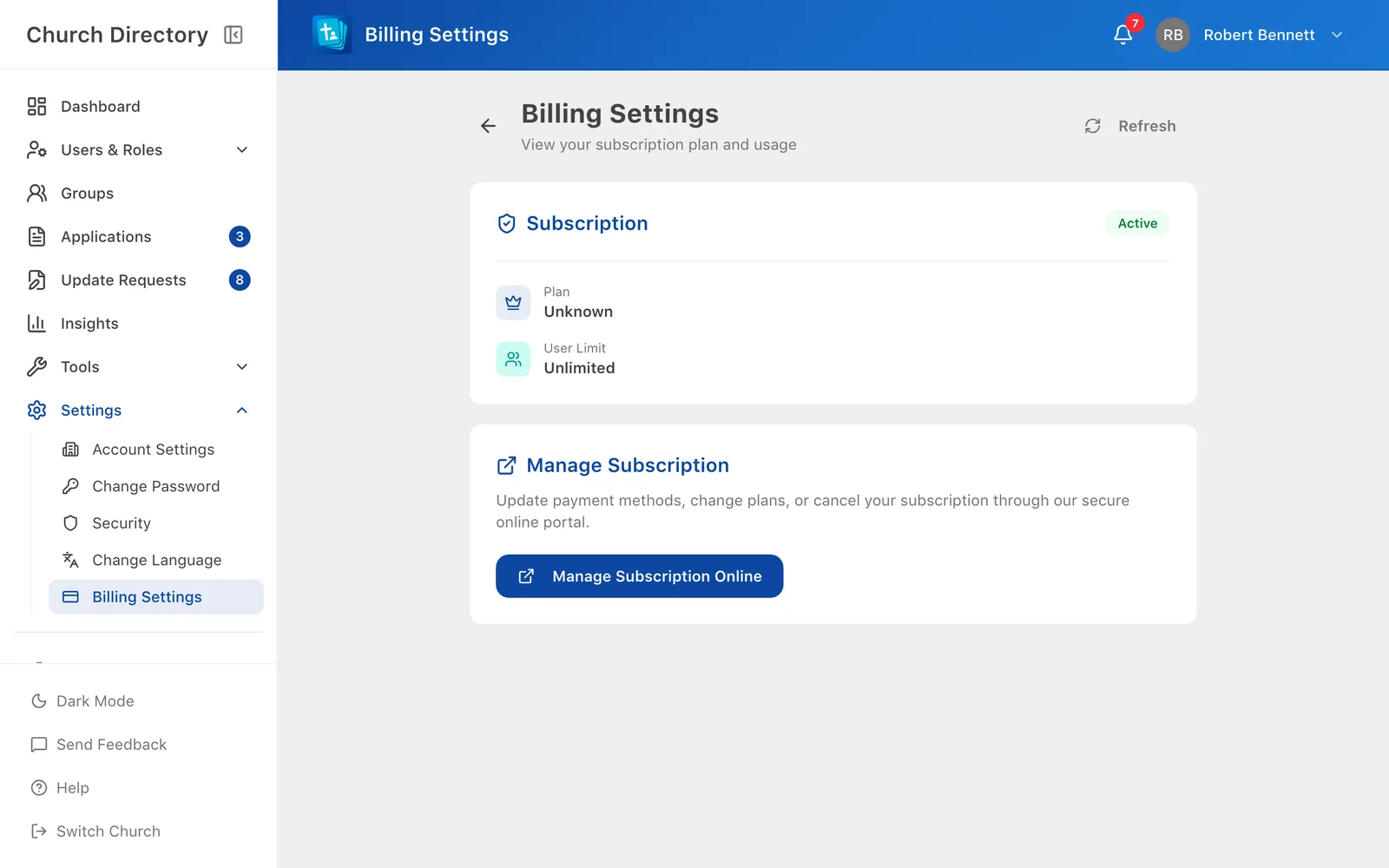
You'll see your status (active, trial, expiring soon, grace period or expired), your plan, how many people you have against your limit, and your renewal date.
Change plan, payment method or renew
Choose Manage Subscription Online. It opens our secure billing site, where you can upgrade, update your card, see invoices or cancel. The button only appears for accounts allowed to manage the subscription.
People limit
Each plan includes a number of people in the directory. When you reach it, adding or importing people is blocked with a User Limit Reached message until you upgrade or remove people.
When a subscription ends
- Before it ends, staff see a banner in the app with a link to renew.
- After it ends there's a short grace period: everyone sees a notice but can choose Continue to App.
- After the grace period, nobody can use the directory until it's renewed.
Questions about billing: directory@verionlabs.com.
Related Articles
Was this article helpful?
Thank you for your feedback!