Dashboard and insights
For church administrators: dashboard, insights, roles, settings and billing.
Dashboard and insights
Your church at a glance: membership numbers, things waiting for review, celebrations, and growth reports.
Staff with dashboard access see it when they open the app. Members see a simpler home page.
Dashboard
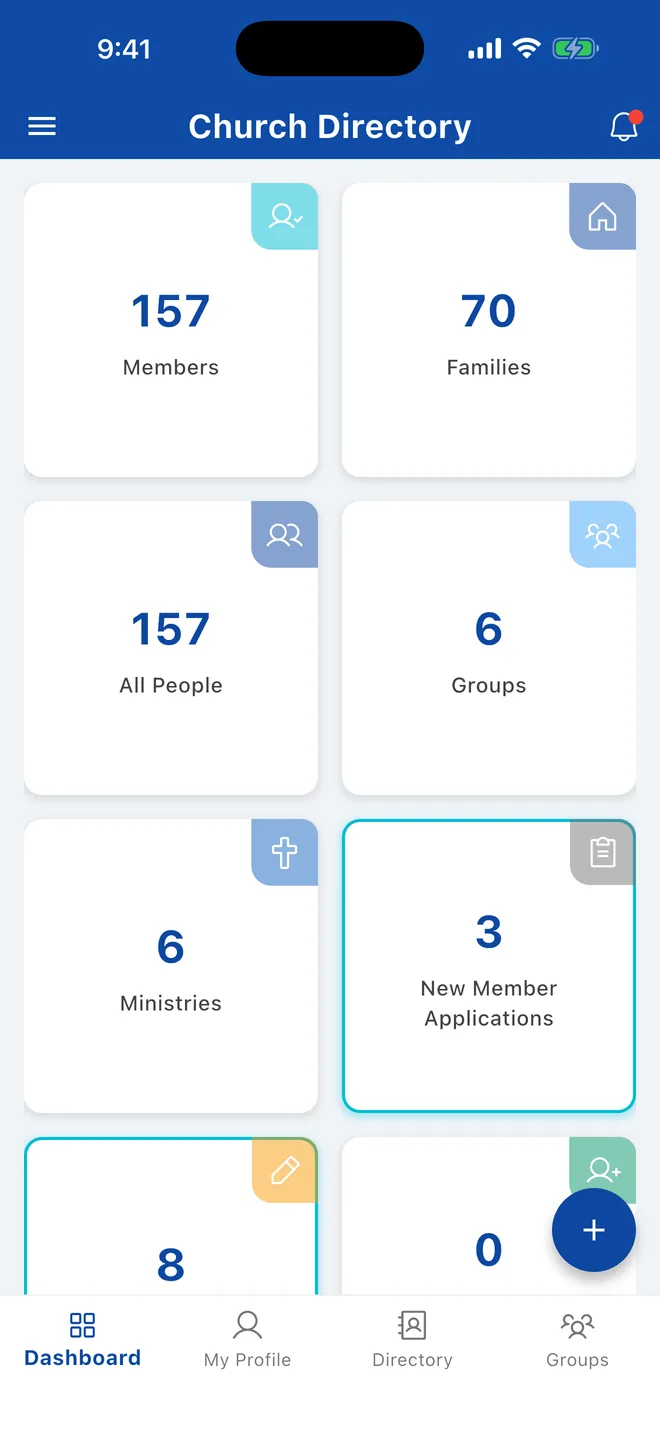
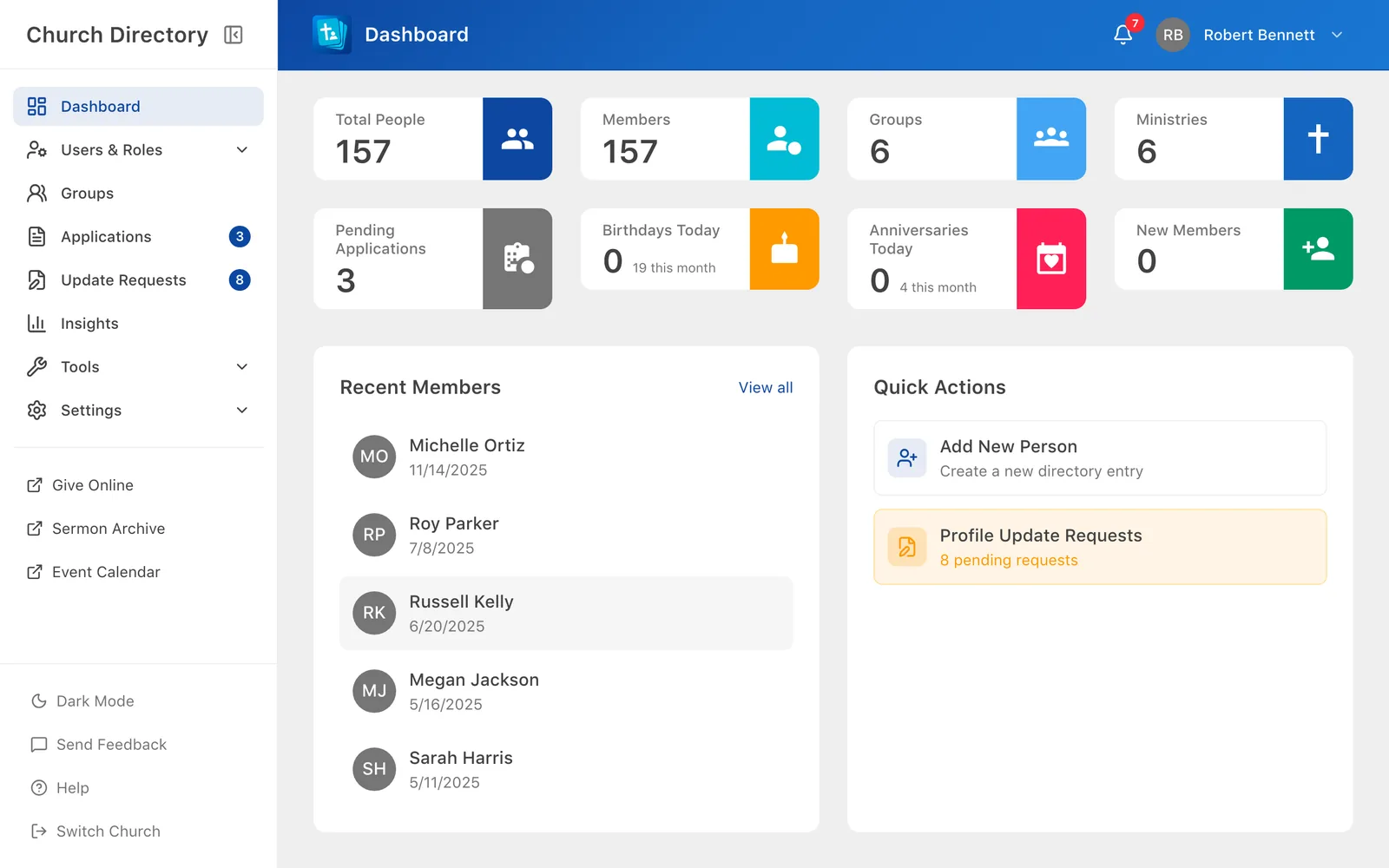
Each card opens the matching list:
- Members, Families, All People: the directory in that view.
- Groups and Ministries: the groups list.
- Applications and Profile Update Requests: things waiting for you to review.
- New Members: people who joined in the last 30 days.
- Birthdays and Anniversaries: everyone celebrating this month, with today's highlighted.
The web dashboard also lists recently added people and has Add New Person as a quick action.
Insights
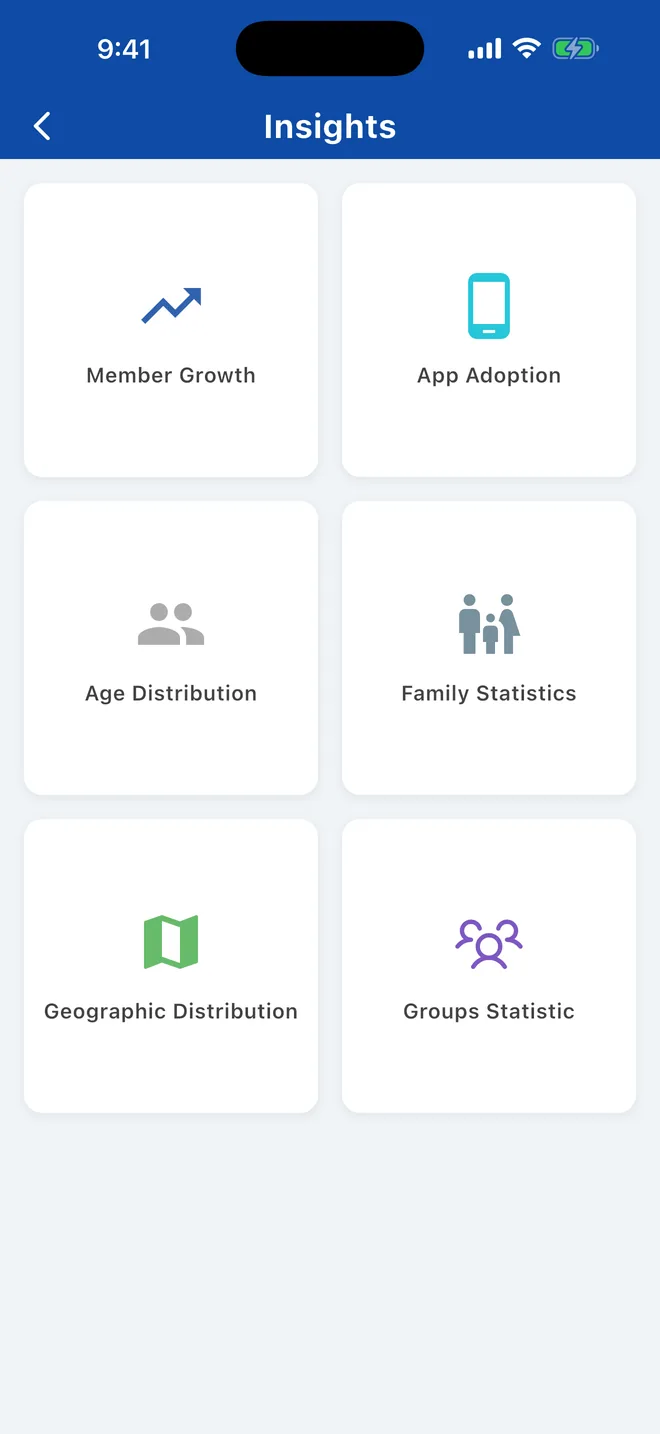
Open Insights from the dashboardin the sidebar. Reports:
- Member Growth: members joining and leaving per month over 6 months to 5 years.
- App Adoption: how many people have signed in, never signed in, or were active in the last 30 days. Use it to see who still needs help getting started.
- Age Distribution: youth, young adults, adults and seniors.
- Family Statistics: marital status breakdown.
- Geographic Distribution: a map of where members live, by address or ZIP code.
- Groups Statistic: participation in groups and ministries, filtered by tag.
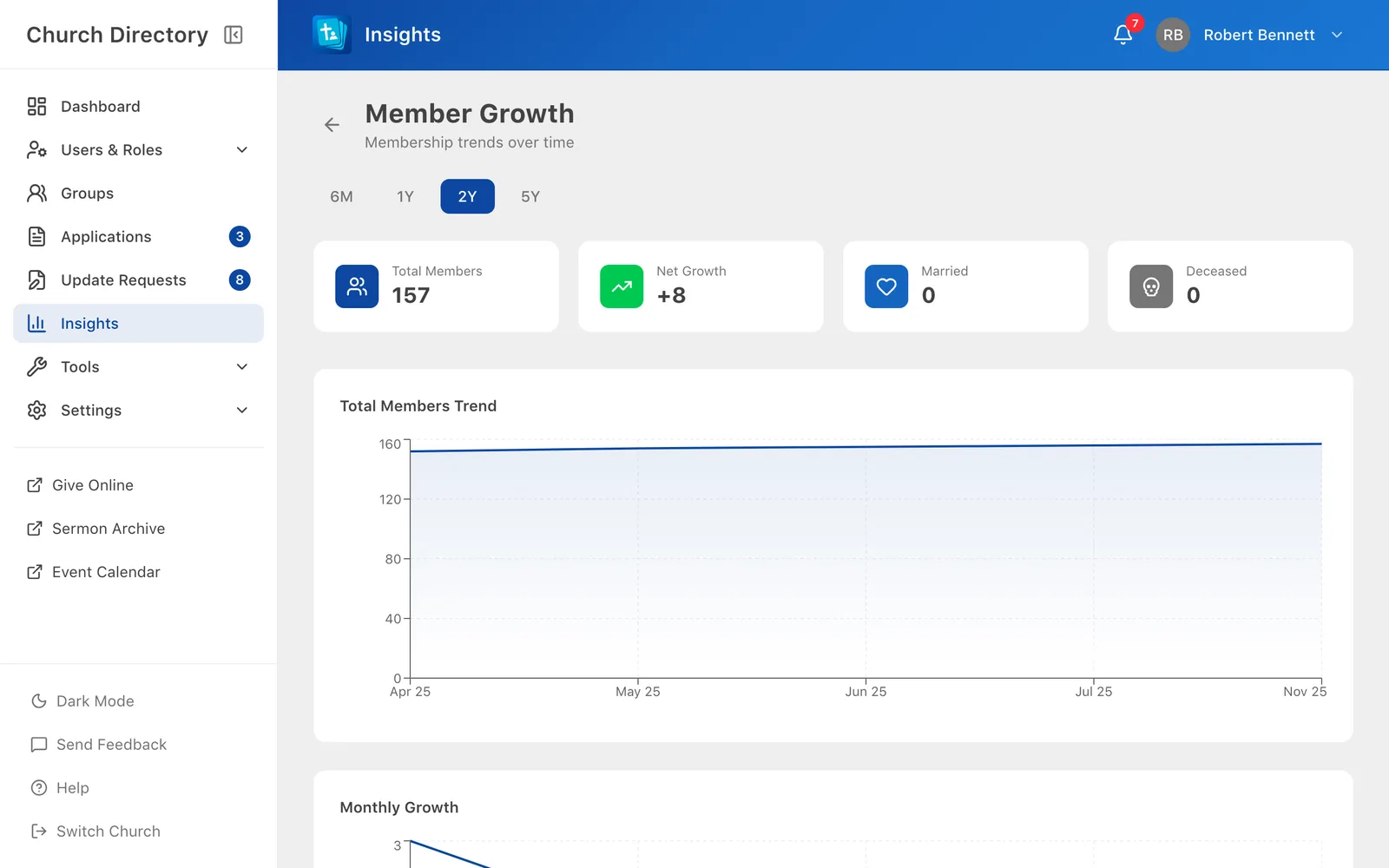
Reports are only as good as the data: fill in birthdays, joined dates and addresses for accurate numbers.
Related Articles
Birthdays and reminders
Choose whether others see your birthday, and get a notification on the birthdays you care about.
Your ProfileMember applications
Let new families apply online, then turn each application into directory profiles with a few clicks.
Managing PeopleApprove profile update requests
Review the changes members ask for, field by field, and approve or decline them.
Managing PeopleWas this article helpful?
Thank you for your feedback!