Browse and search the directory
Find people and families in your church directory and get in touch.
Browse and search the directory
Find anyone in your church by name, browse by letter, and switch between members, families and everyone.
Members, Families and All
The switch at the top of the directory changes what's listed:
- Members: church members, one person per row. This is where you start.
- Families: one card per family, with the family photo if there is one.
- All: everyone in the directory, including regular attenders and children who aren't members. Only shown if your role allows it.
Who counts as a member is set by your church: it's anyone with the Member role.
Open the Directory tab. People are listed by last name.
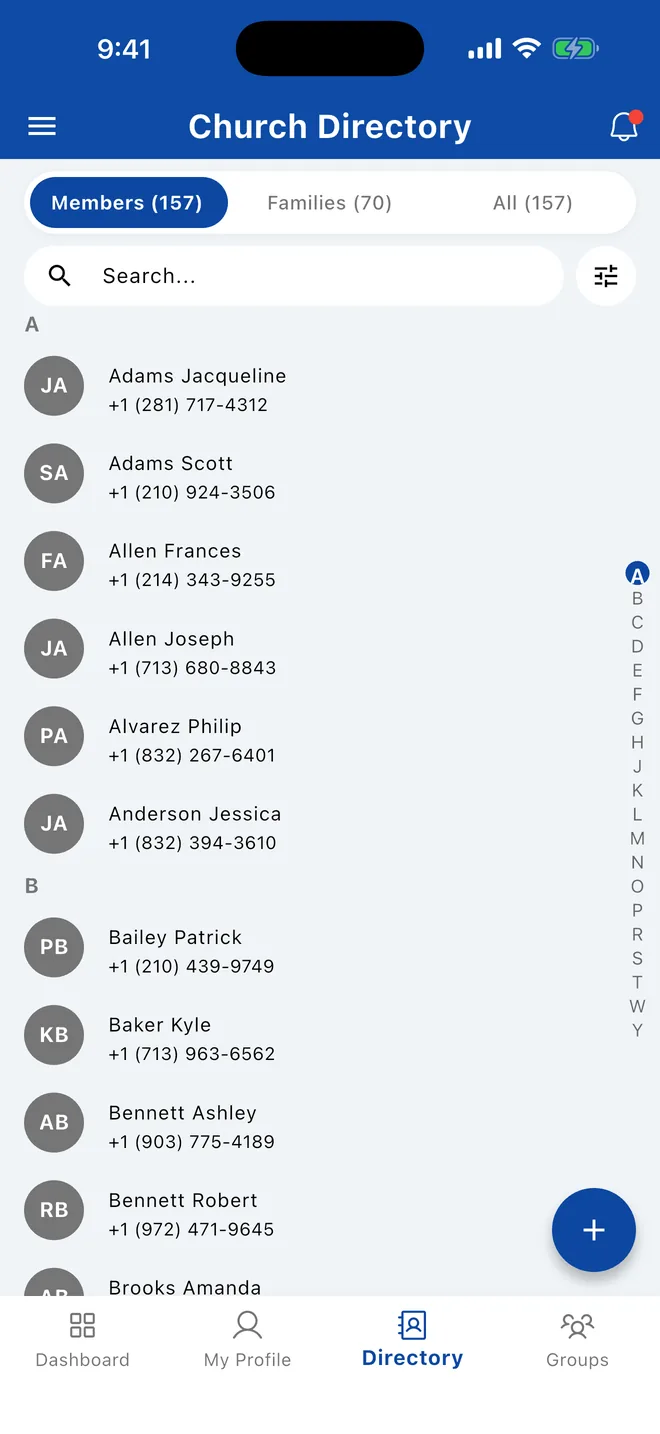
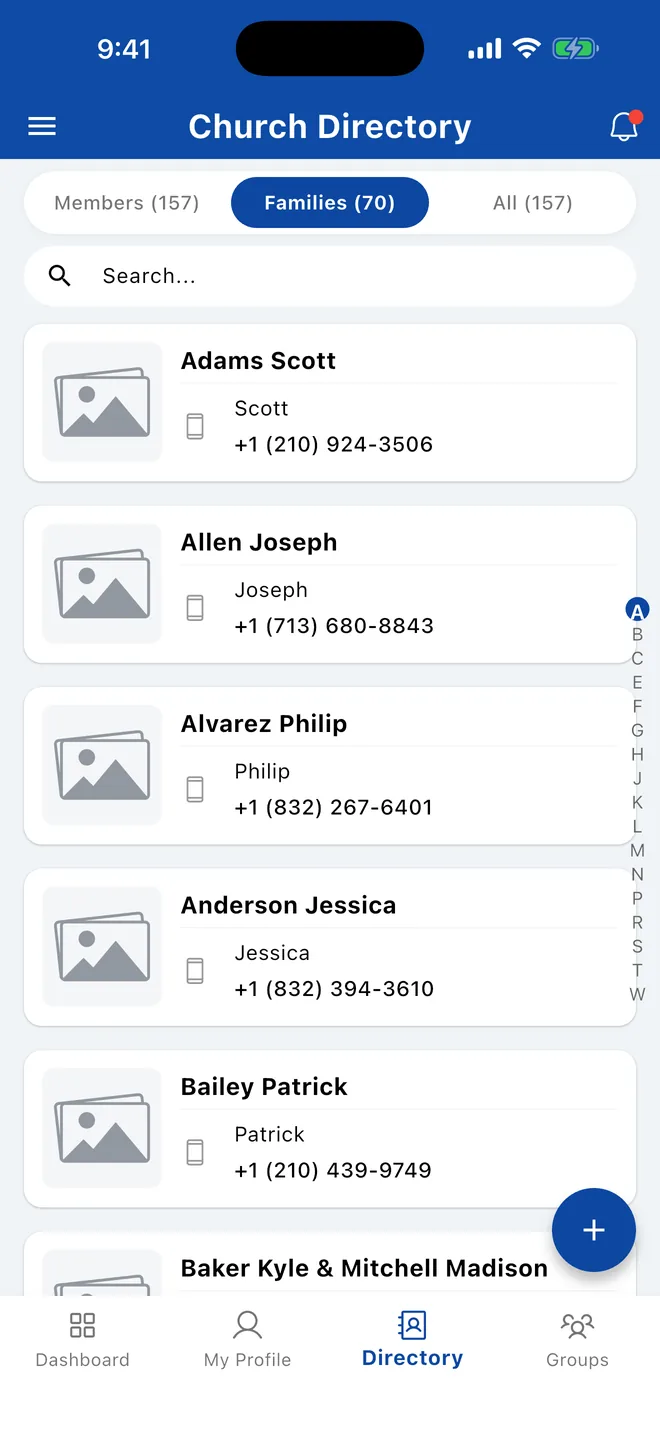
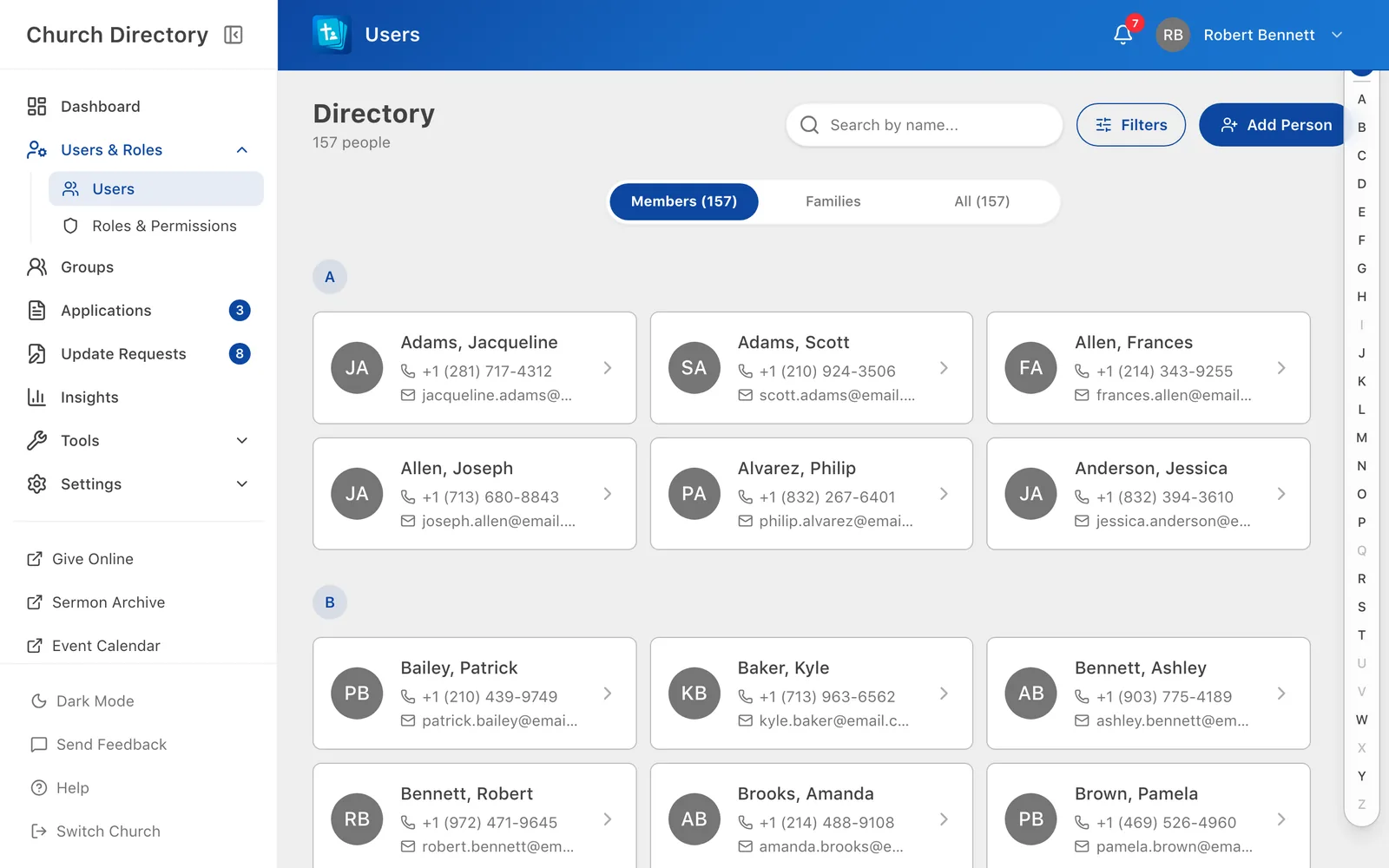
Click Users & Roles › Users in the sidebar, or Browse Directory on the dashboard.
Search
Start typing in the search box. Results update as you type.
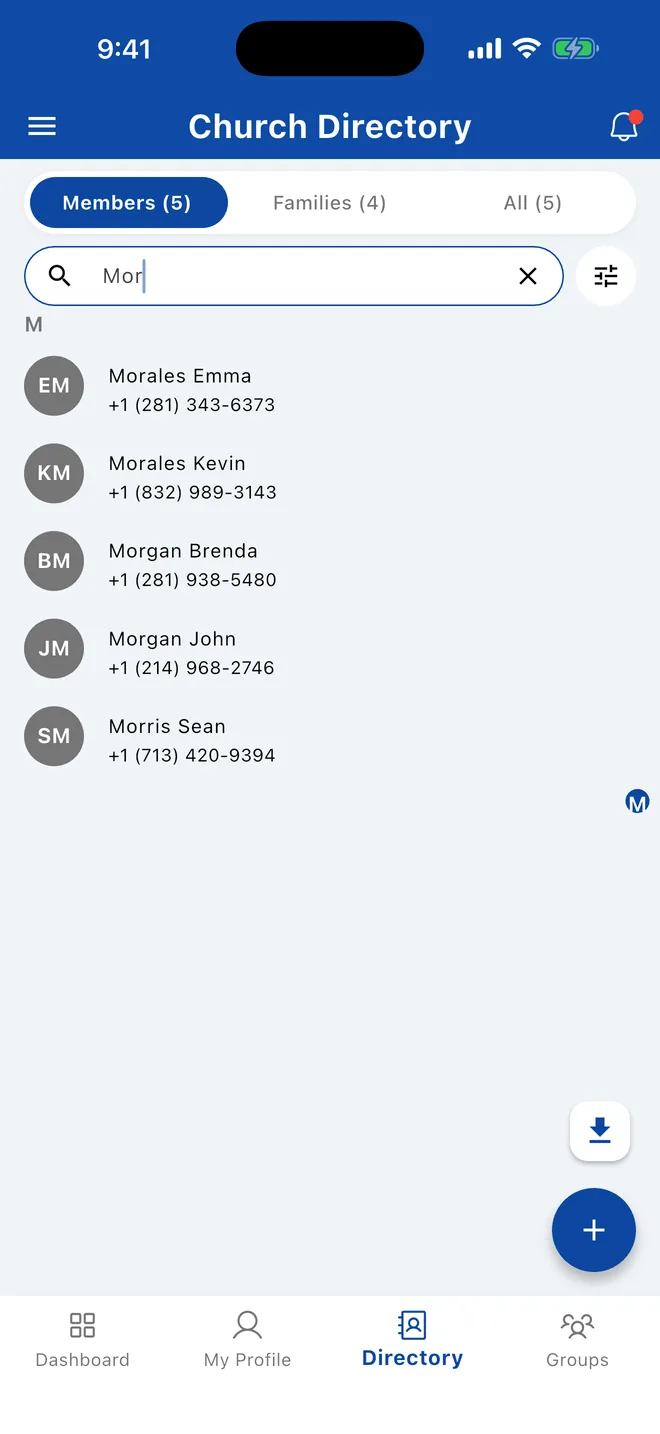
- Search matches the start of first names, last names, maiden names and alternative names. Rob finds Robert and Robinson.
- You can type a full name in either order: John Morgan or Morgan John.
- You can also type 3 or more digits of a cell phone number.
- Phone numbers can't be searched on the web. Use the mobile app for that.
- On Families, search finds families by the parents' names.
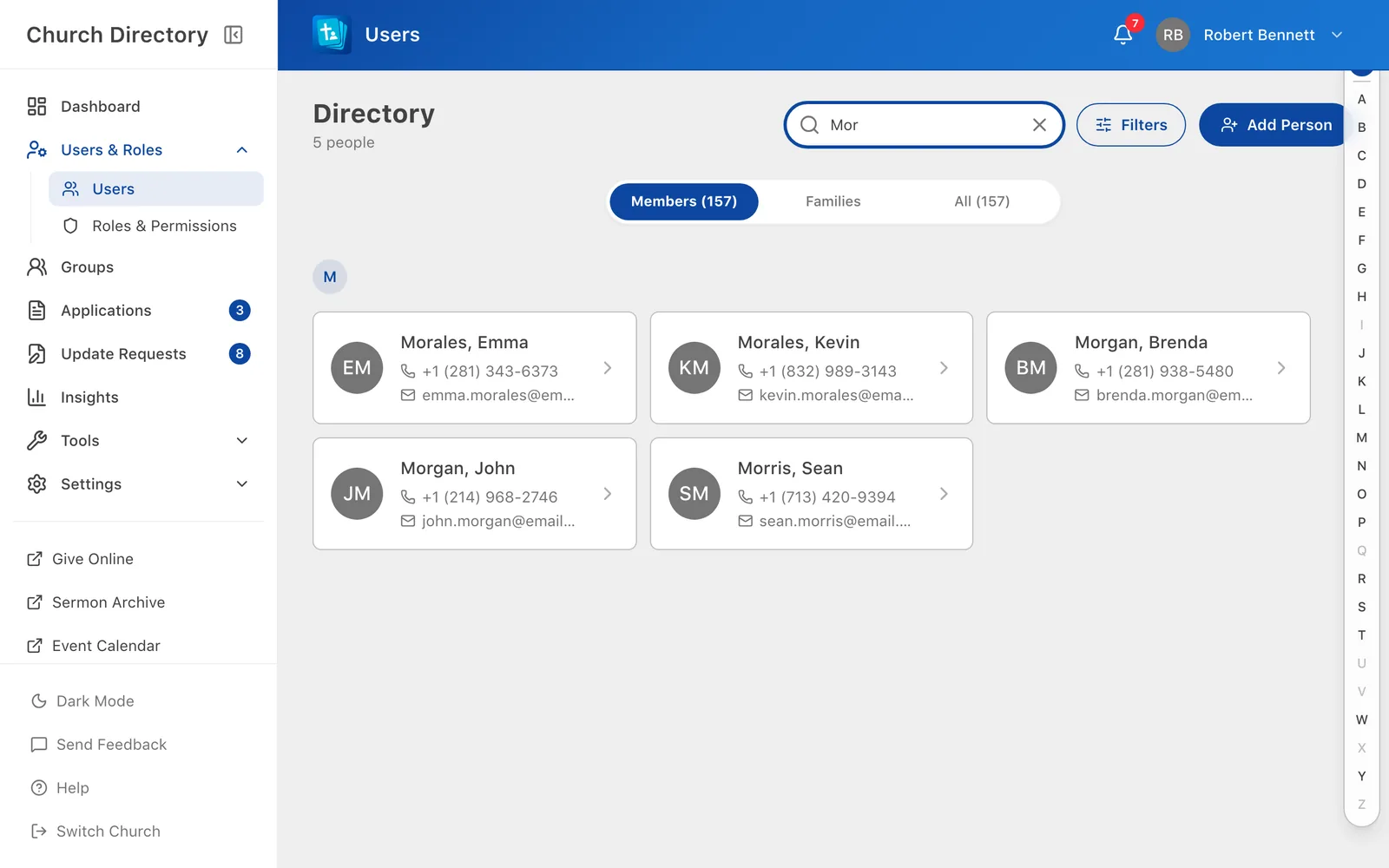
Jump to a letter
Tap or slide along the letters on the right edge to jump to that part of the list.
Click a letter in the A–Z bar to show only people whose last name starts with it. Click All to go back to everyone. Long lists are split into pages; use Previous and Next at the bottom.
Getting the latest changes
The app saves a copy of the directory on your phone so it opens instantly and works offline. It checks for changes each time you open it. To check right now, pull down on the list.
The web app always shows the latest information. Reload the page if someone has just made a change.
Can't find someone?
- Try their maiden name or another spelling.
- Switch to All: they may not be a member.
- Check that no filters are switched on.
- Your role may not let you see everyone. See who can see what.
Related Articles
Filter the directory
Narrow the list by gender, family status, role, group, age, location and more.
DirectoryView someone's details
Open a person to see their contact information, family, groups and important dates.
DirectoryFamilies and the family tree
See a whole household together, update the family photo, and explore relatives on the family tree.
DirectoryWas this article helpful?
Thank you for your feedback!