First-time setup: choose your username and password
Install the app or open it on the web, find your church and sign in.
First-time setup: choose your username and password
Your church added you to the directory. Confirm it's you with your phone number and birthday, then choose a username and password.
You don't create an account yourself. Your church adds you to the directory, and you prove it's you with the cell phone number and birthday your church has on file. The same steps work if you've forgotten your password or username.
Steps
- Find your church, then on the sign-in screen tap Forgot password?.
If your church sent you an invitation link, you can open it on your phone instead: it opens the app at a Welcome! screen with the same fields. You'll need to tick I agree to the Terms of Service. - Enter your Phone Number and Birthday, then tap Request Reset Code.
- You'll get a text with a 6-digit code. Enter it and tap Verify Code.
- On Reset Password, the New Username box shows your current username. Keep it or change it, and remember it.
- Enter a New Password (at least 8 characters) twice and tap Reset Password. You're signed in straight away.
- Find your church, then on the sign-in page click Forgot password?.
- Enter your Phone Number and Birthday and click Send verification code.
- Enter the 6-digit code from the text message and click Verify code.
- The Username box shows your current username. Keep it or change it (at least 3 characters, no spaces).
- Enter a New Password (use at least 8 characters) twice and click Reset password, then Go to sign in.
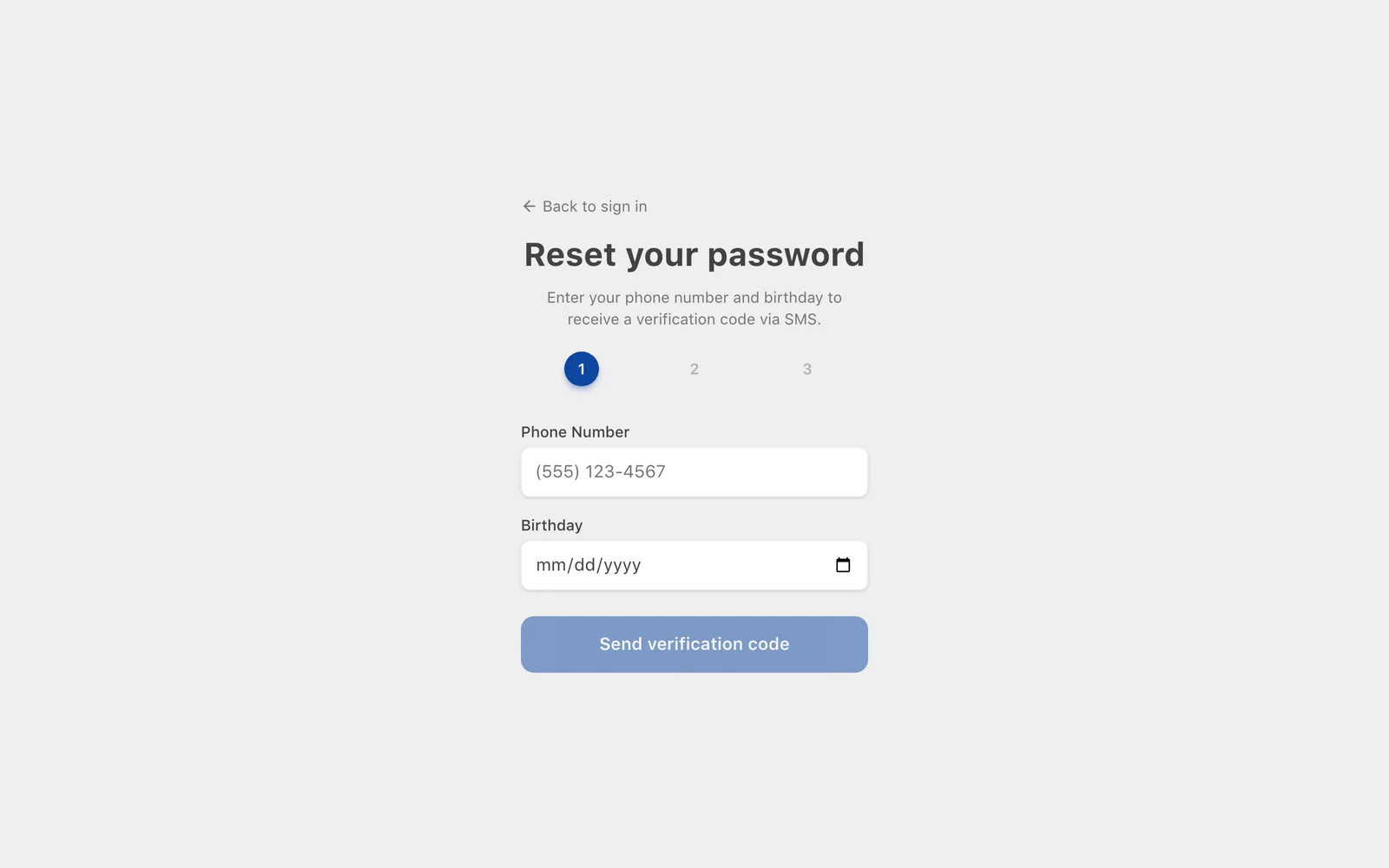
The code is valid for 10 minutes. If it expires, start again.
If it doesn't work
- No text arrives: check the number is the one in your church record and try again after a minute. Codes go to cell phones only, not landlines.
- "No matching profile" or similar: the phone number or birthday in the directory doesn't match what you typed. Your church office can check your record.
- Two family members share a phone and a birthday (twins, for example): ask your church office to give each of you your own cell number, or to set your password for you.
For church administrators: inviting members
Members can always use Forgot password?, so the easiest invitation is a short message:
Our church directory is now on Church Directory Plus. Install the app (search "Church Directory Plus") or go to web.churchdirectoryplus.com. Find our church, tap "Forgot password?", and enter your cell number and birthday to set up your account.
Make sure every member's cell phone and birthday are filled in first. You can also turn on a Welcome SMS, or set a username and password for someone yourself when you add or edit them.
Related Articles
Was this article helpful?
Thank you for your feedback!